
Gear at the water
Show up at your chosen location. Your assigned gear is already beside the launch.
Vancouver Island, British Columbia
Book. Unlock. Paddle.
Kayaks and paddleboards, ready when you are. No shuttle, no guide - just you and the water.
Find a location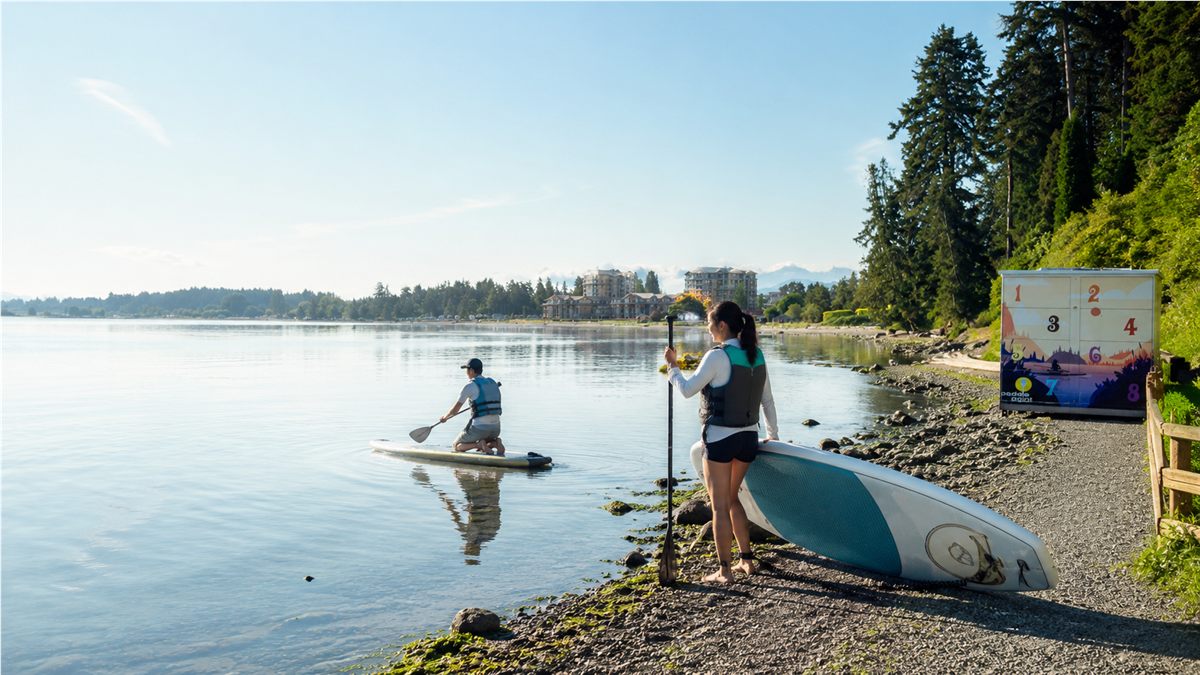
Self-serve water access
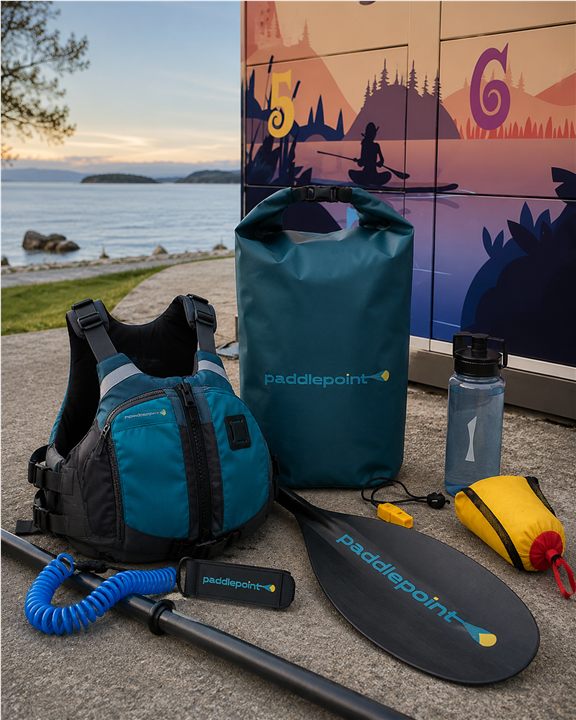
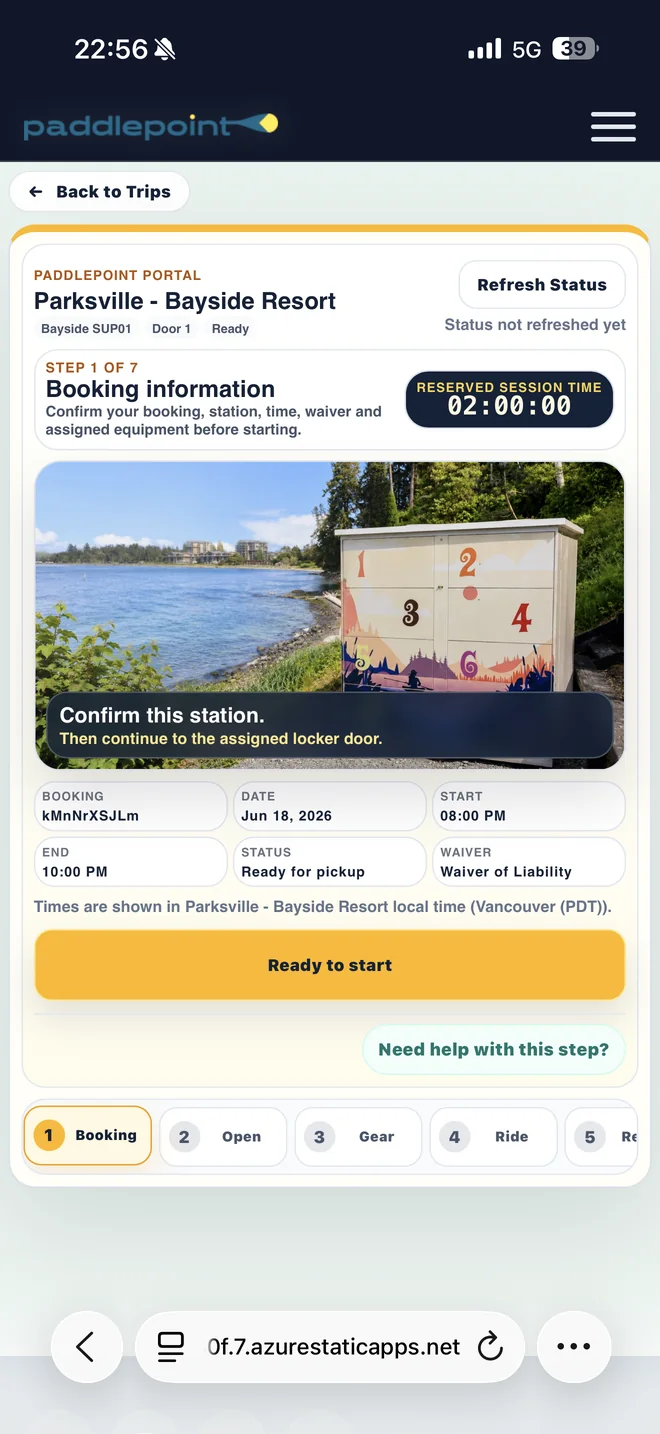
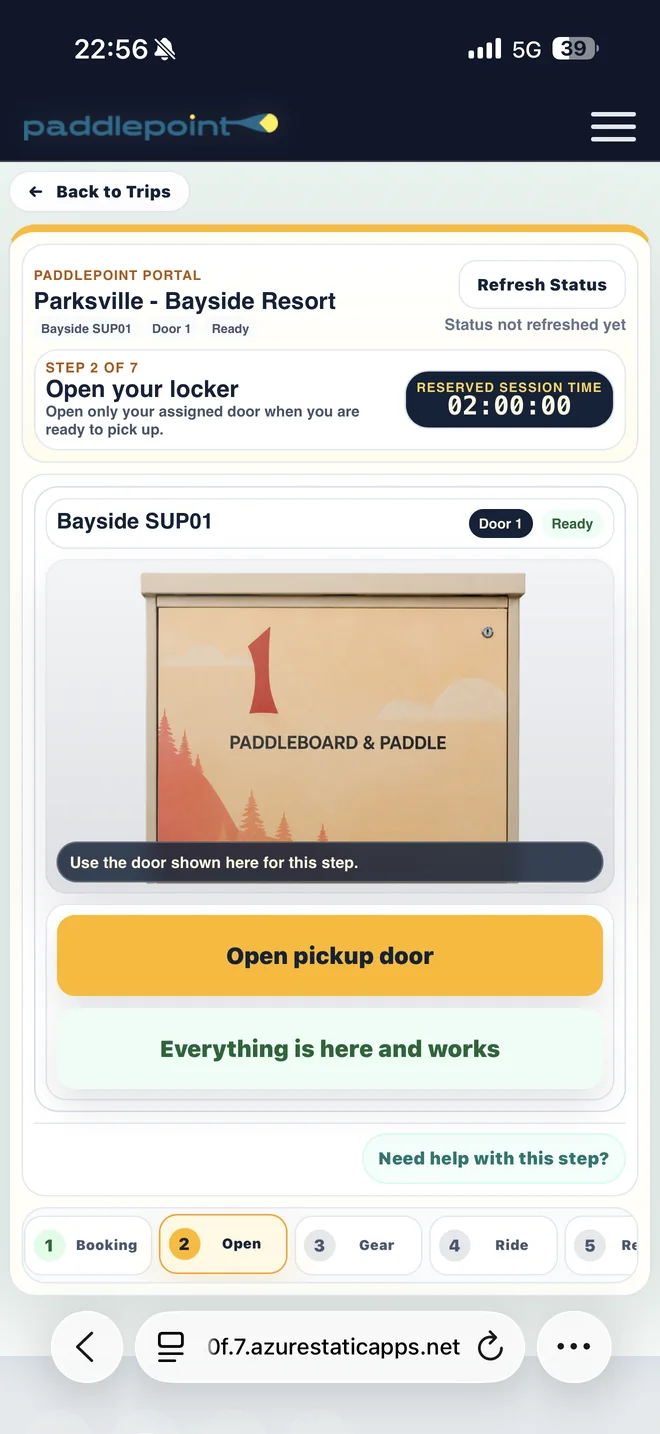
PaddlePoint puts kayaks and paddleboards at the water's edge. The website explains the place. The PaddlePoint Web App handles the rental.
Show up at your chosen location. Your assigned gear is already beside the launch.
Go at your own pace — poke along the shoreline, watch for seals, take your time. No schedule but the tide’s.
Paddle back, return every included item and finish the rental in the Web App.
Pick a calm morning, stay close to shore and take it easy — a little prep goes a long way out here.
PaddlePoint Web App
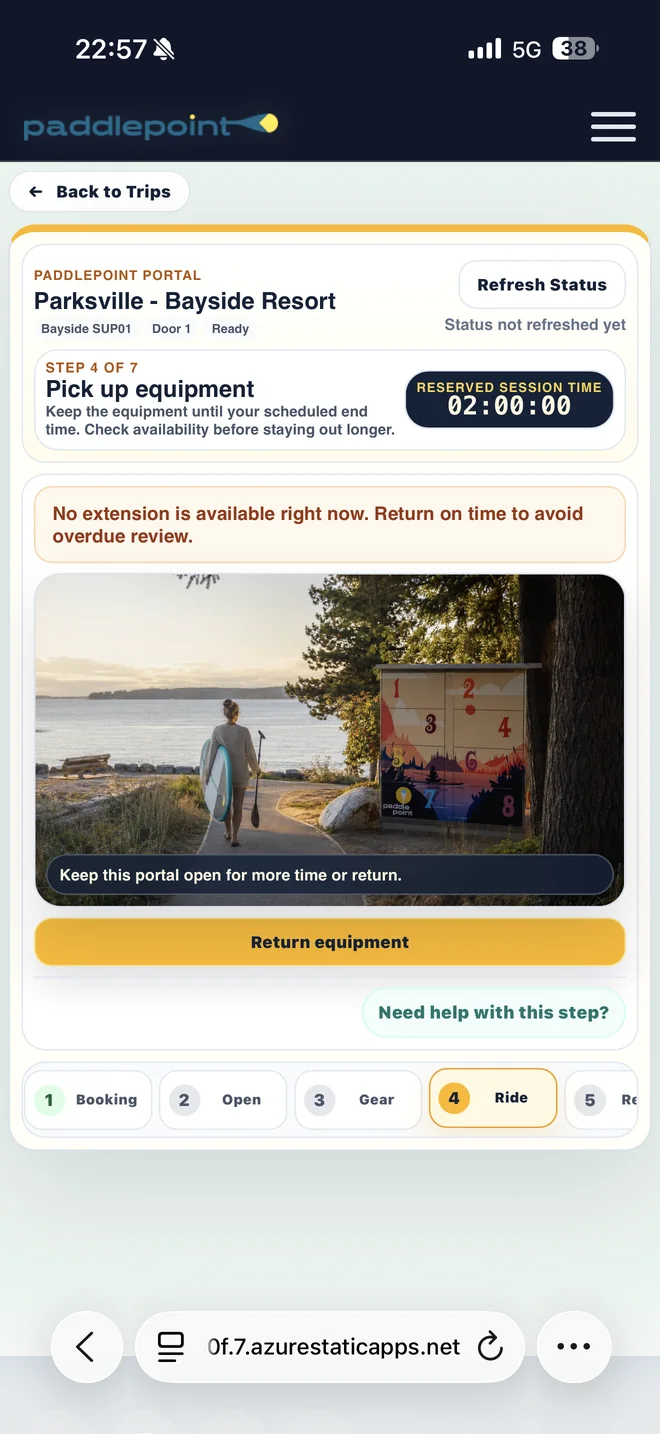
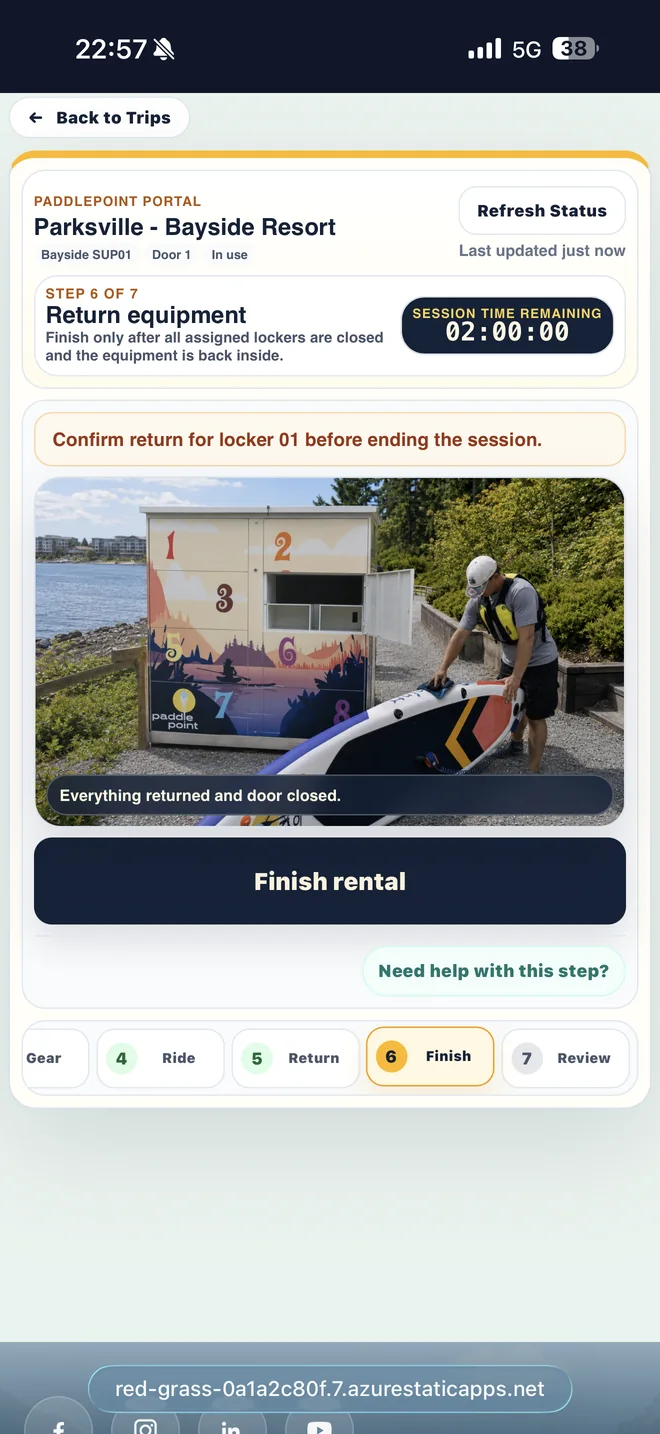
Find the spot closest to you, get a feel for the place, and book when you’re ready.
View locations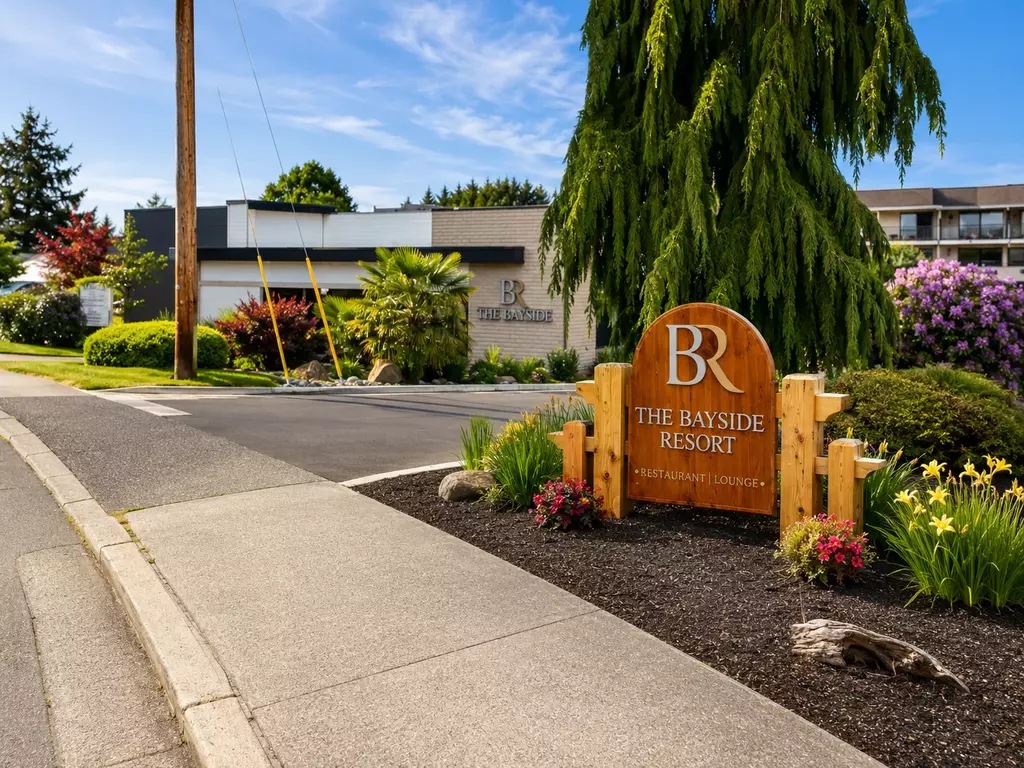 Live
Parksville BaysideWarm tidal flats, a short waterfront walk and an easy same-station return.
Live
Parksville BaysideWarm tidal flats, a short waterfront walk and an easy same-station return.
 Live
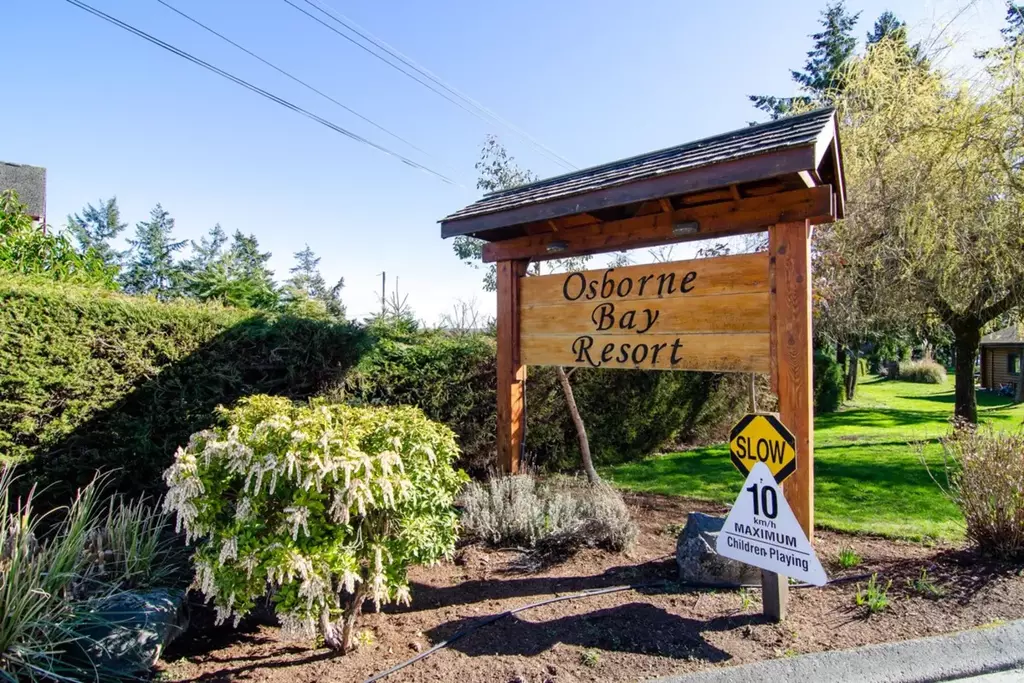
Crofton Osborne BayProtected water, a busy ferry route and a slow coastal paddle toward Salt Spring Island.
Live
Crofton Osborne BayProtected water, a busy ferry route and a slow coastal paddle toward Salt Spring Island.
 Coming soon
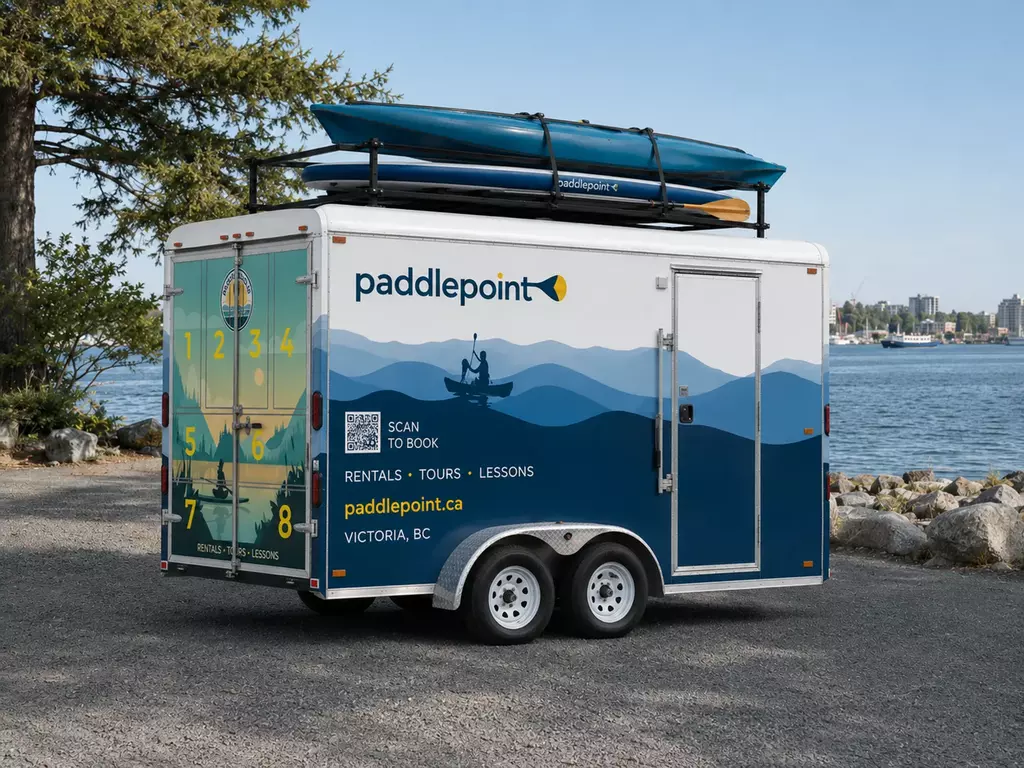
Victoria PaddlePoint TrailerA movable station for selected Victoria launch days. The on-site QR will show the active location when booking opens.
Coming soon
Victoria PaddlePoint TrailerA movable station for selected Victoria launch days. The on-site QR will show the active location when booking opens.
From the shoreline
PaddlePoint combines a love of the outdoors with simple, self-service technology—so more people can enjoy the water with less planning, less waiting and more freedom.
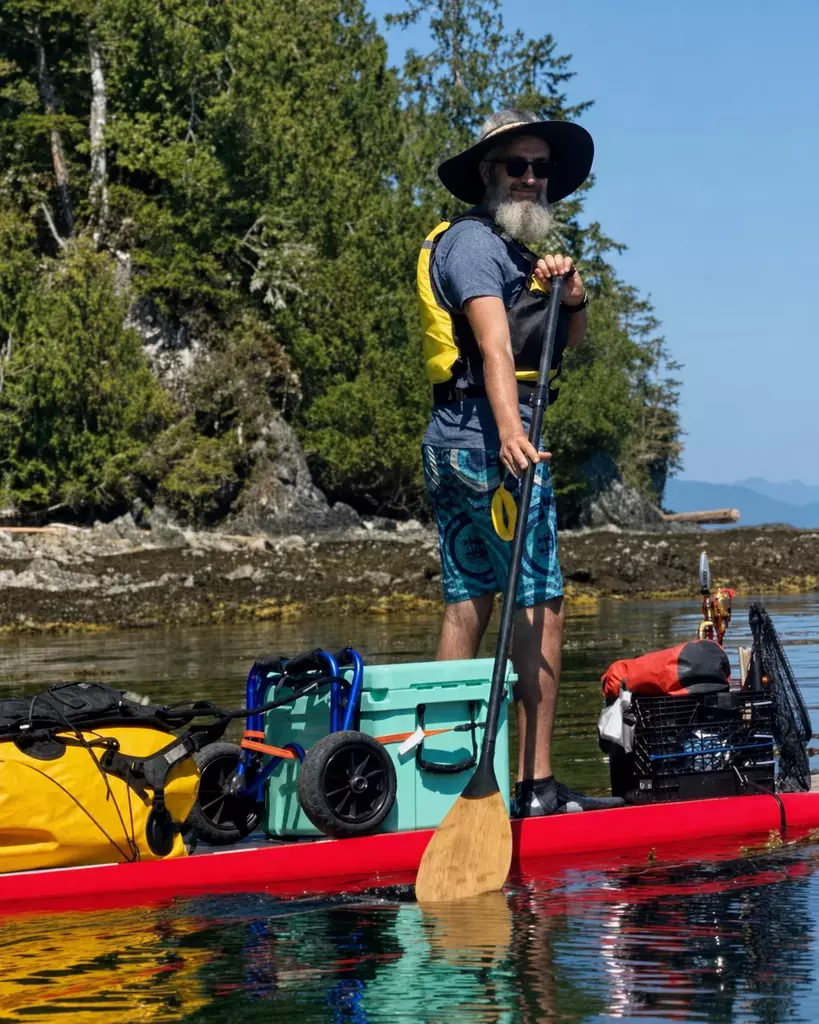
Founder & CEO, PaddlePoint
Paddle Canada Touring 2 SUP Instructor
I created PaddlePoint around a simple belief: getting on the water should feel as easy and enjoyable as being on it.
Too often, paddling requires planning around rental hours, waiting at a counter or transporting bulky equipment. PaddlePoint removes those barriers by placing quality equipment close to the shoreline and giving paddlers the freedom to book, unlock and paddle on their own schedule.
We are building more than a rental service. We are creating a dependable way for residents, travellers and families to experience the places around them—from their first booking to the moment they return safely to shore.
Real paddler stories
See how PaddlePoint gives travellers and local paddlers a simple, convenient way to get on the water—without waiting at a rental counter.
Discover PaddlePoint locationsLuckily I found one right in my hotel! I was able to book the board on the spot and within 15 mins I was out on the water. I wish they install more of these at some popular lakes too.
Awesome self-service rentals—easy, convenient, great equipment and helpful service. I will absolutely rent again :)
Have a look at each spot, read the local notes, and book whenever suits you.