778-400-5600 info@paddlepoint.ca

Paddler Guide

Step by step

How to use PaddlePoint from booking to return

Use this guide to book, pick up, paddle, return your gear and close your session in the Paddler App. Beginner-friendly in calm conditions.

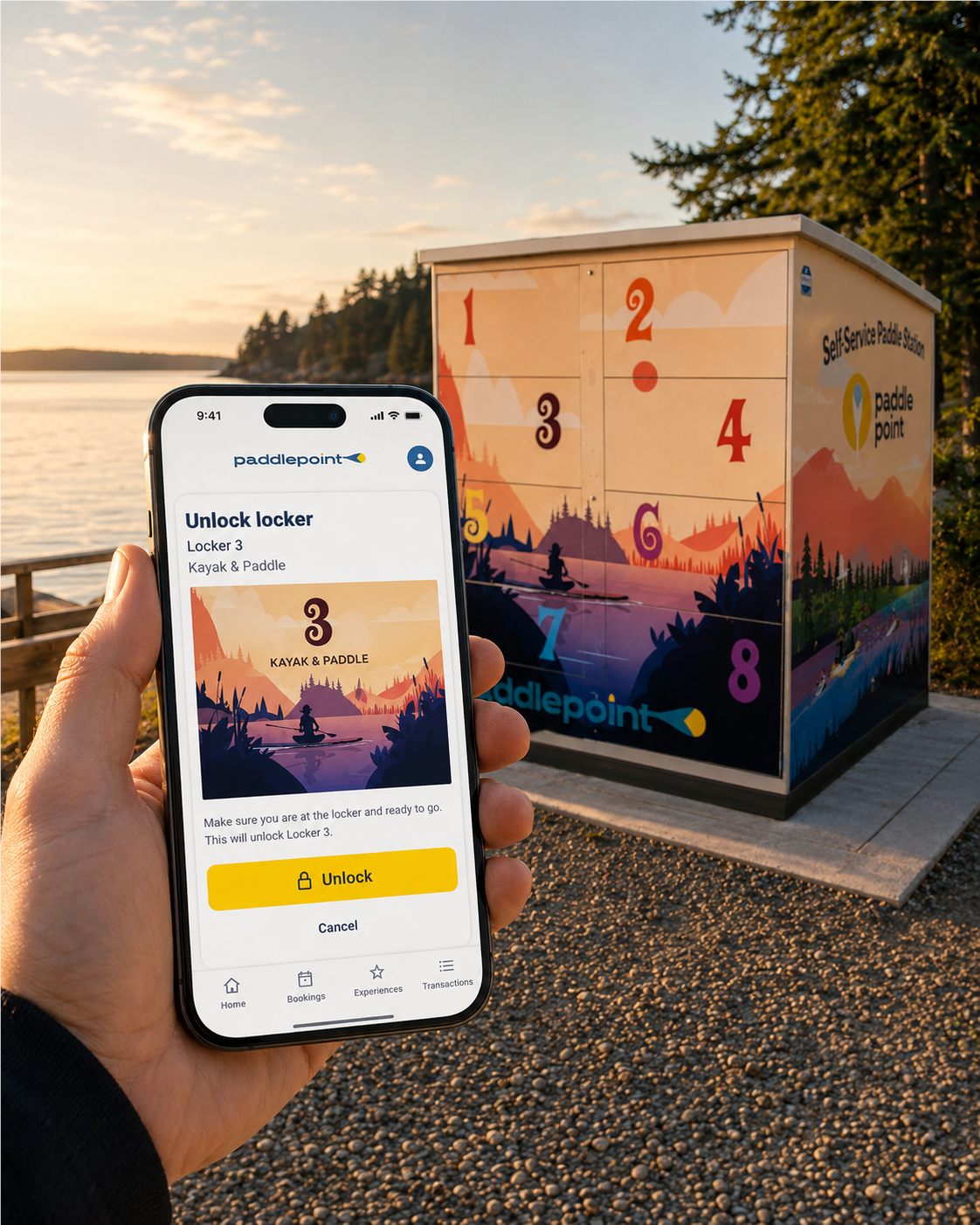
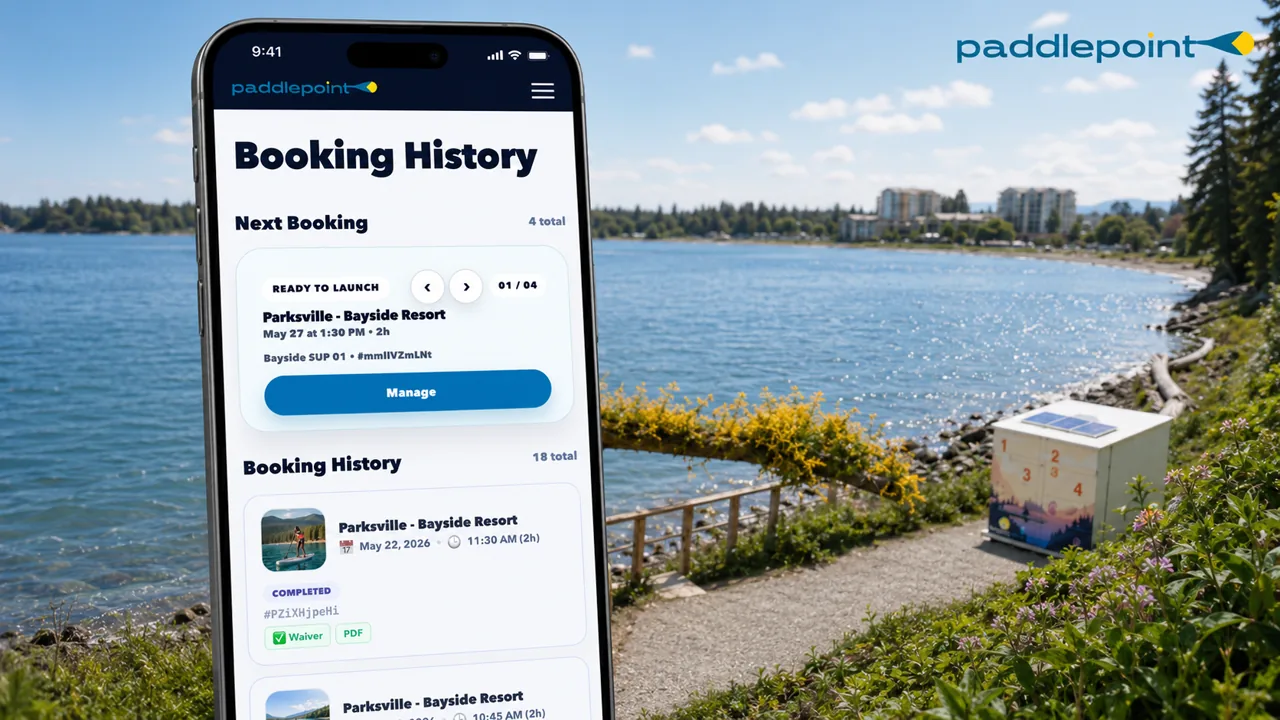
PaddlePoint booking screen for station rental
Step one

Book and manage your rental

Book and manage your rental with your PaddlePoint account in the Paddler App. The website helps you understand each station before you go.

Make

Make a booking

Select your location, then choose SUP or kayak, pick your date and duration. Final price, station, date, duration and included gear are shown before checkout.

Use one PaddlePoint account

Use the same PaddlePoint account for booking, pickup, return and support. Your confirmation email and station QR code can help you reopen your booking if needed.

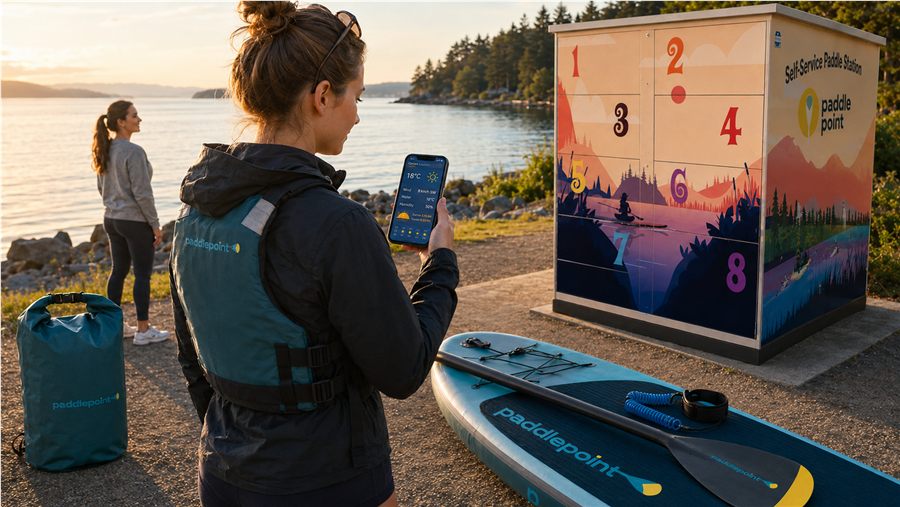
Paddler checking conditions before leaving
Step two

Check conditions and complete your waiver

Before you leave, check conditions, your route and your waiver status.

Weather

Check the weather

Check wind, daylight and local conditions before you leave. If conditions feel above your ability, do not launch.

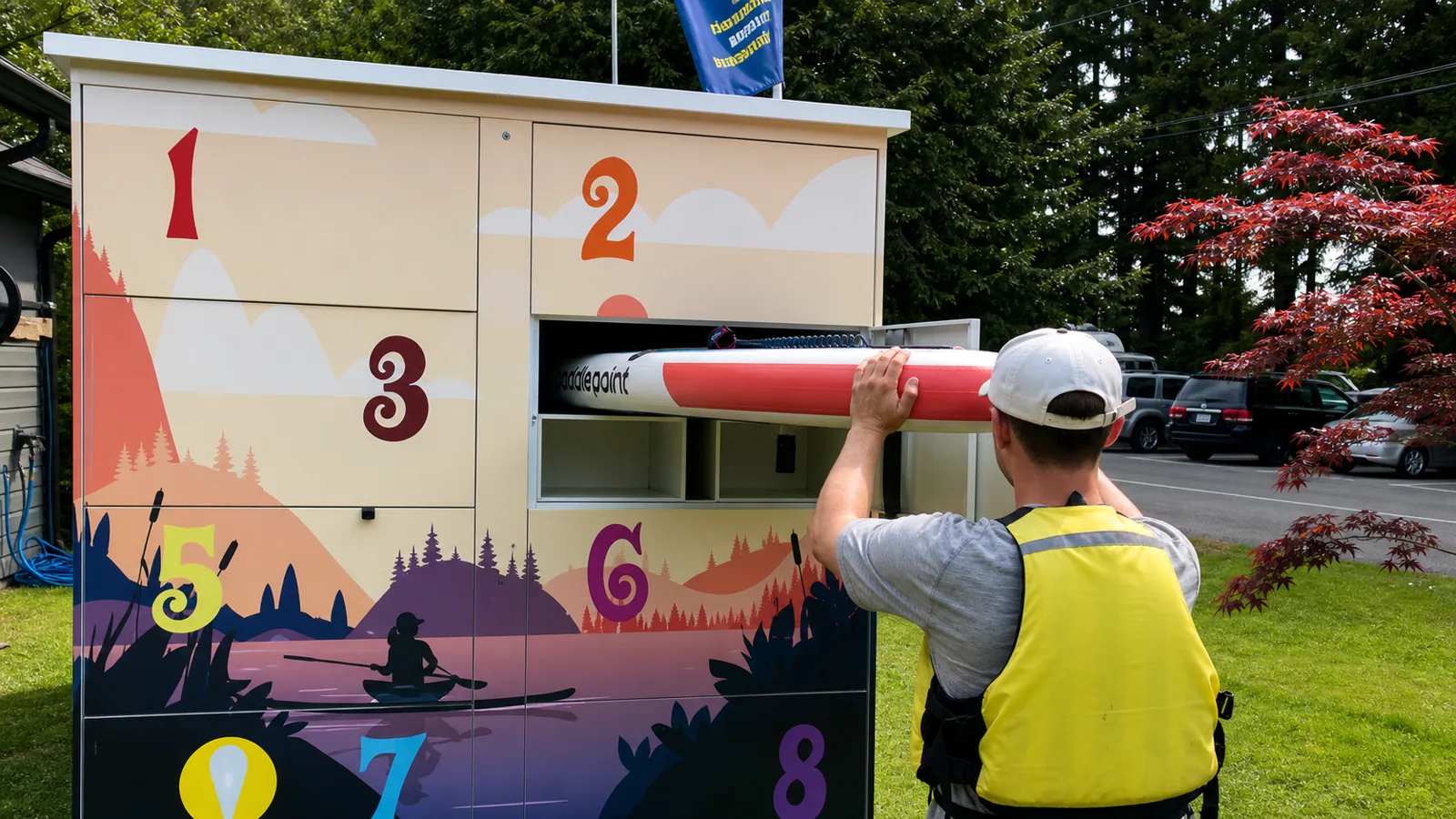
Paddler using the PaddlePoint station to pick up equipment
Step three

Find the station and pick up your gear

Use the station page to understand parking, walking route and launch context. Open the Paddler App at the station. The portal opens 15 minutes before your booking start; pickup controls appear when available.

Navigate

Navigate to the station

Use the station page for the real place: address, parking, walking route, launch context and the station map. For Parksville Bayside, use the station page for current arrival, parking, walking route and locker context.

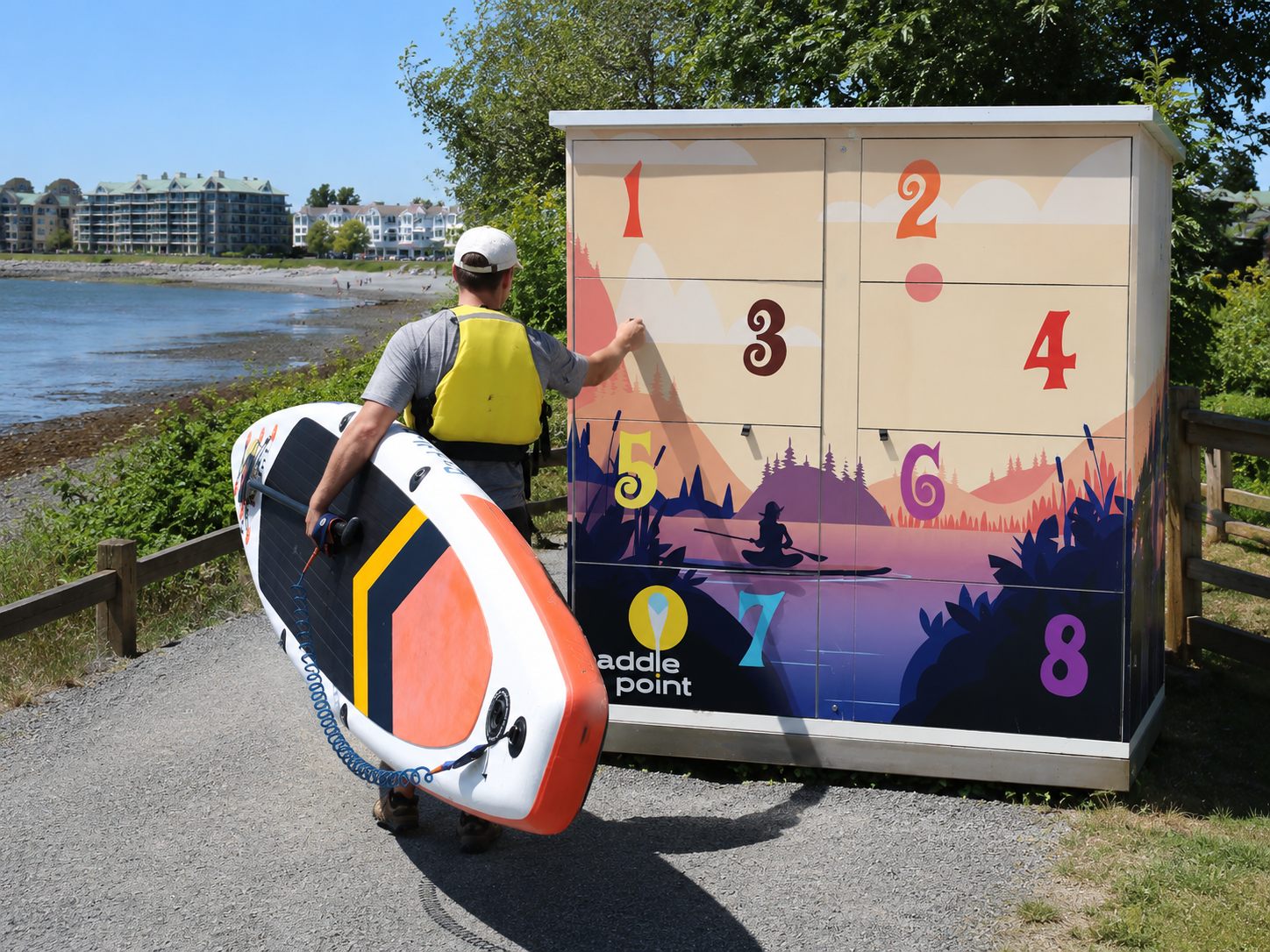
Paddler carrying PaddlePoint equipment from the locker toward the water
Step four

Gear up: PFD, transport & paddle technique

Take 10 minutes with your gear before you launch. It makes the whole experience safer and more enjoyable.

PFD

How to wear your PFD

1. Unzip fully and slip over your head.
2. Clip the front buckle. It should click firmly.
3. Tighten the side straps until snug but not restrictive. You should be able to breathe fully.
4. Test: try to pull the PFD up over your ears. If it moves, tighten the straps more.

PaddlePoint requires paddlers to use the provided PFD/life jacket on the water.

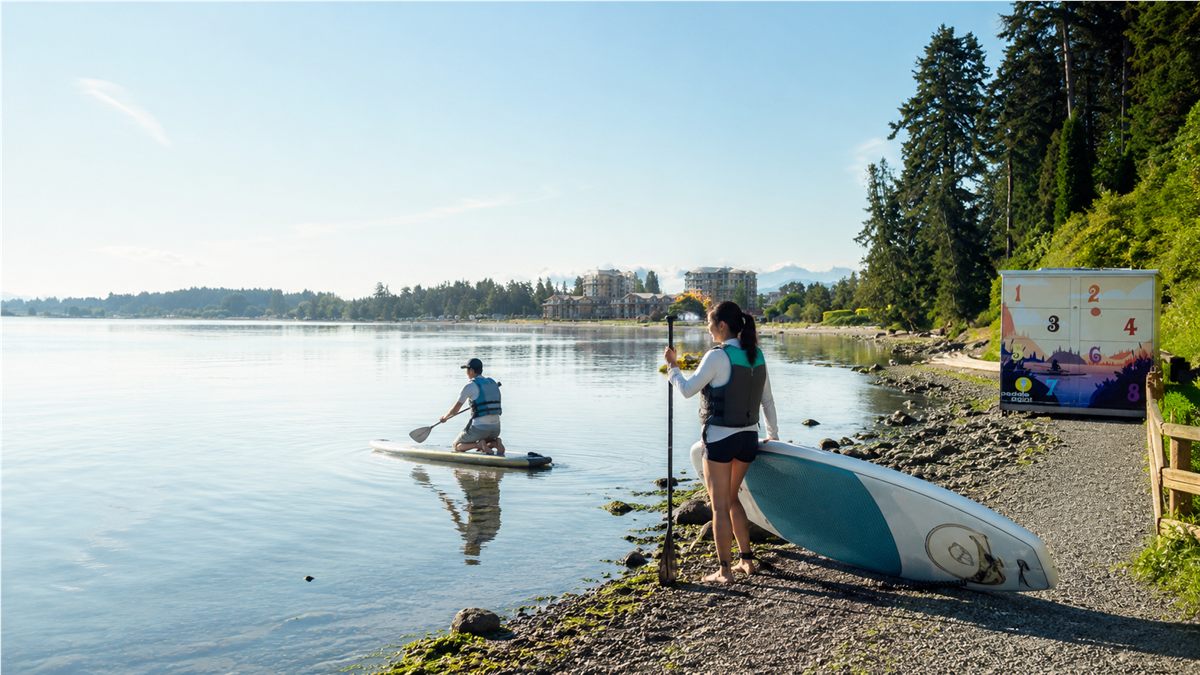
Paddlers on the water near a PaddlePoint station
Step five

On the water: safety & enjoying your session

Paddling is safe and fun when you stay aware. Here is what to keep in mind.

Time

Keep track of time

Watch your booking timer and head back early. If Need more time is shown, PaddlePoint checks locker availability before confirming an extension.

Protect your booking window

Come back about 15 minutes before your end time so you have time to reload gear, close the assigned door, tap Returned and closed, then End Session. Late return can create overdue review and extra charges.

Paddler cleaning PaddlePoint equipment after returning to the station
Step six

Return your gear and end your session

Give yourself enough time to return gear, close the assigned door and end your session before your booking ends.

Rinse

Rinse your gear

If a rinse area is provided, rinse visible sand, salt or debris from the gear before stowing it. This helps prevent the spread of aquatic invasive species between BC waterways.

Need help at the station?

Read the guide first, then use support if access, gear, return or safety feels blocked.