Book and manage your rental
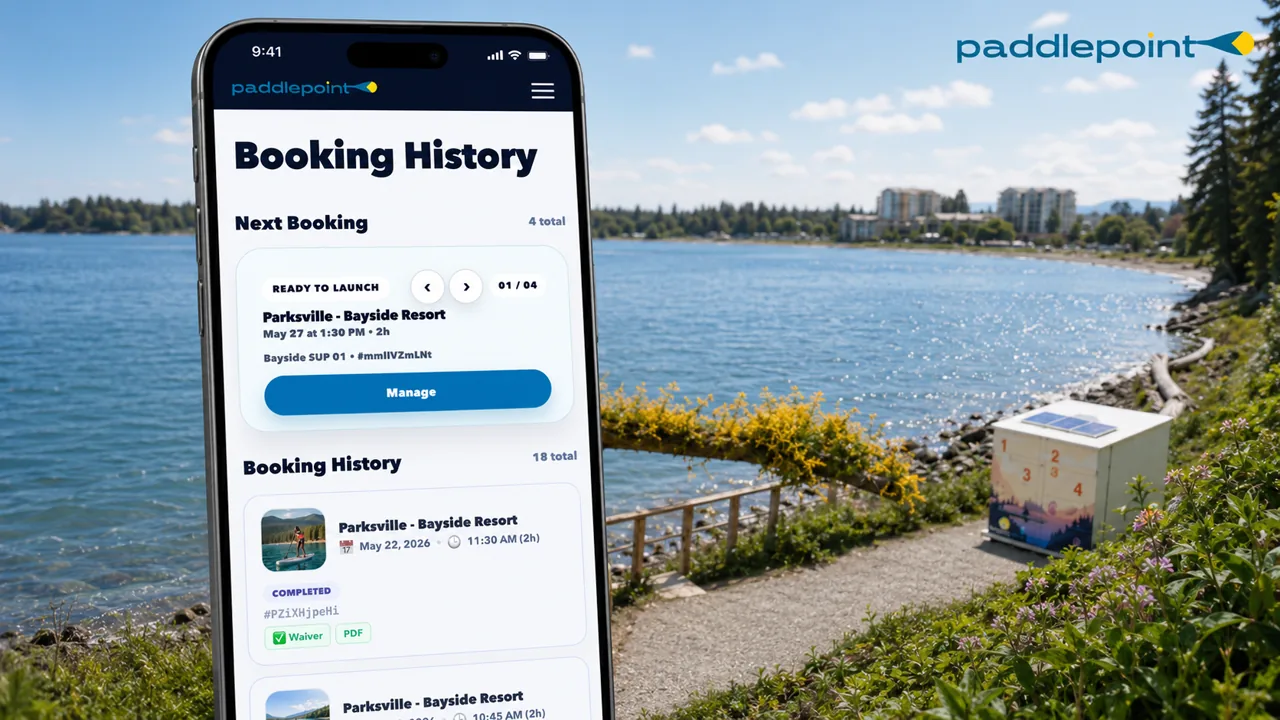
Book and manage your rental with your PaddlePoint account in the Paddler App. The website helps you understand each station before you go.
Make a booking
Select your location, then choose SUP or kayak, pick your date and duration. Final price, station, date, duration and included gear are shown before checkout.
Use the same PaddlePoint account for booking, pickup, return and support. Your confirmation email and station QR code can help you reopen your booking if needed.
Change your booking
Need to change the time or date? Open My bookings and tap Modify Booking. Changes are available at least 6 hours before start when inventory and pricing allow.
Cancel a booking
Open My bookings to see whether cancellation is still available for your booking. Cancellation rules and any refund or credit outcome are shown in the booking flow.
Payment
Pay securely with the payment methods shown at checkout. You will receive a booking confirmation email with your session details.

Check conditions and complete your waiver
Before you leave, check conditions, your route and your waiver status.
Check the weather
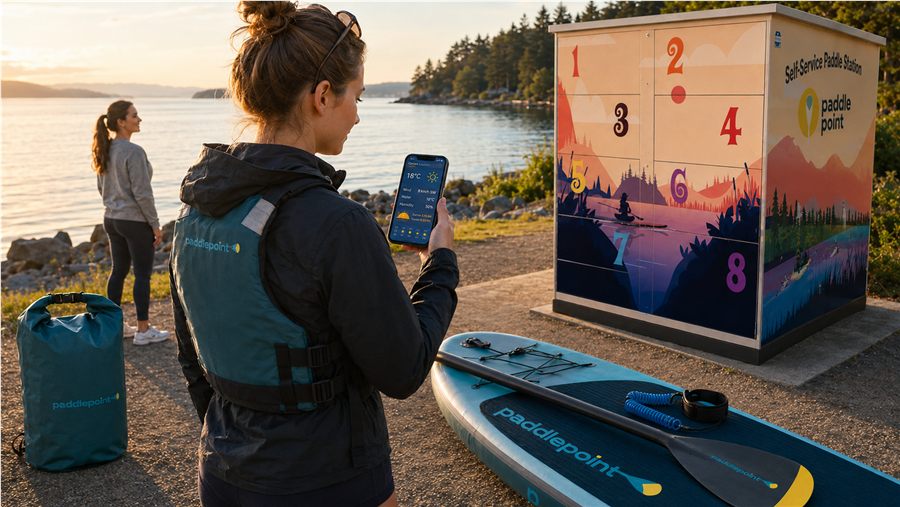
Check wind, daylight and local conditions before you leave. If conditions feel above your ability, do not launch.
Check tides & water levels
For ocean locations, check tides and water levels before you go. Mid-to-high tide is usually easier for beach access.
Complete your waiver
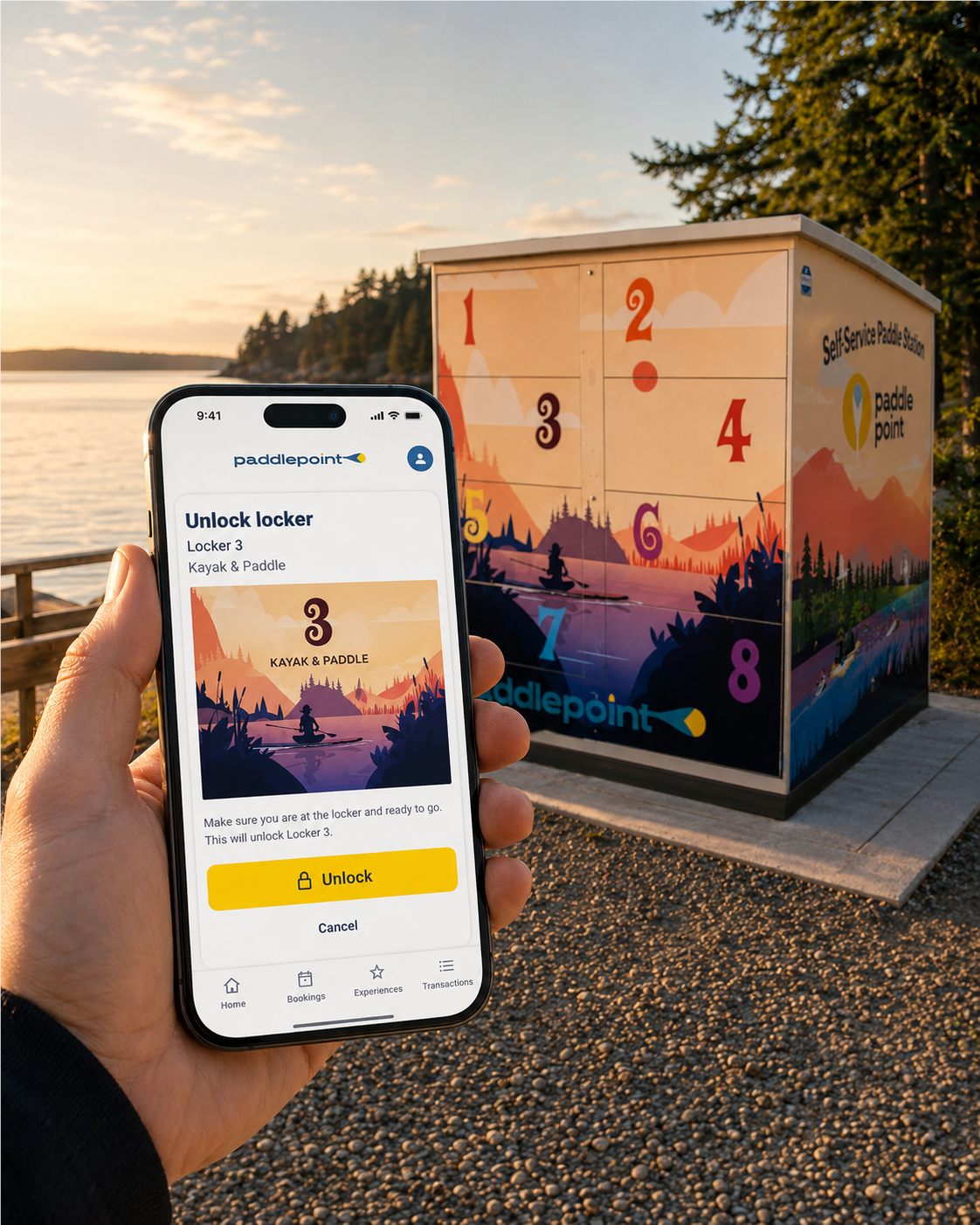
Complete the waiver when prompted. The Paddler App shows whether your waiver is valid before locker controls are available.
If conditions feel unsafe
If conditions feel unsafe or above your ability, do not launch. Open your booking to see available change or support options.

Find the station and pick up your gear
Use the station page to understand parking, walking route and launch context. Open the Paddler App at the station. The portal opens 15 minutes before your booking start; pickup controls appear when available.
Navigate to the station
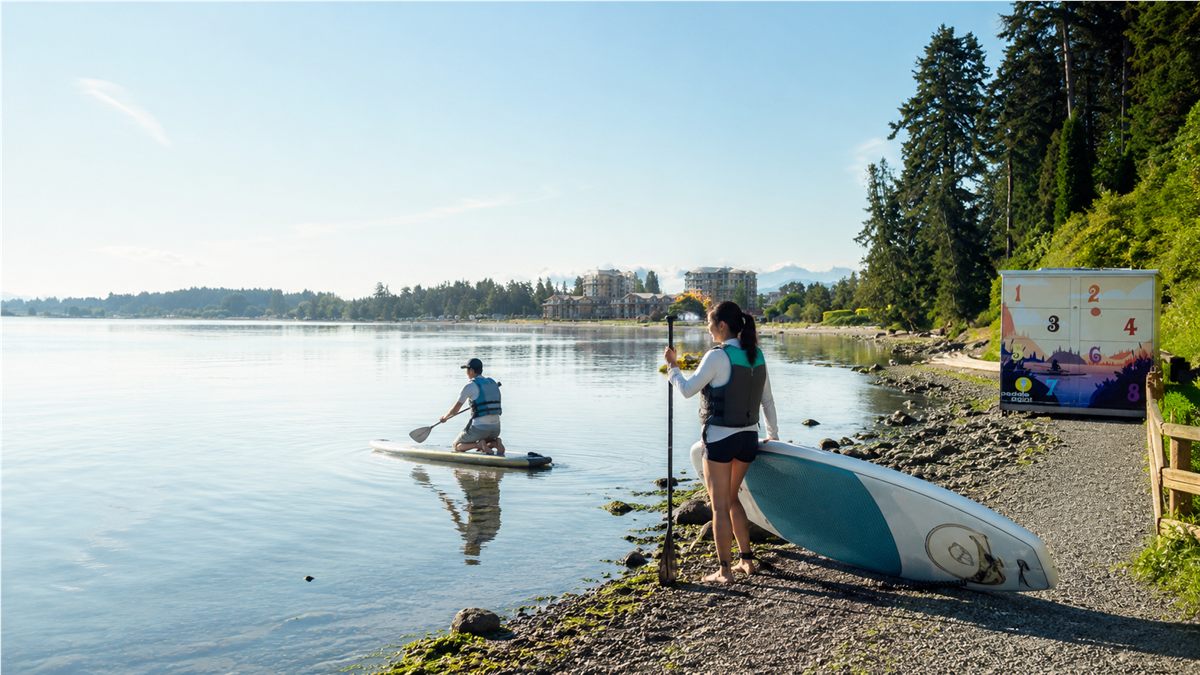
Use the station page for the real place: address, parking, walking route, launch context and the station map. For Parksville Bayside, use the station page for current arrival, parking, walking route and locker context.
Park up
Use the station page for parking and walking instructions. The app manages your booking and pickup; the website explains where to arrive, park, walk and launch.
Pickup sequence
First time?
Arrive about 15 minutes early to park, walk to the station, open the Paddler App and complete or check your waiver. Open pickup activates at your booked start time. If it does not work, use Report issue in the app.
Find your equipment
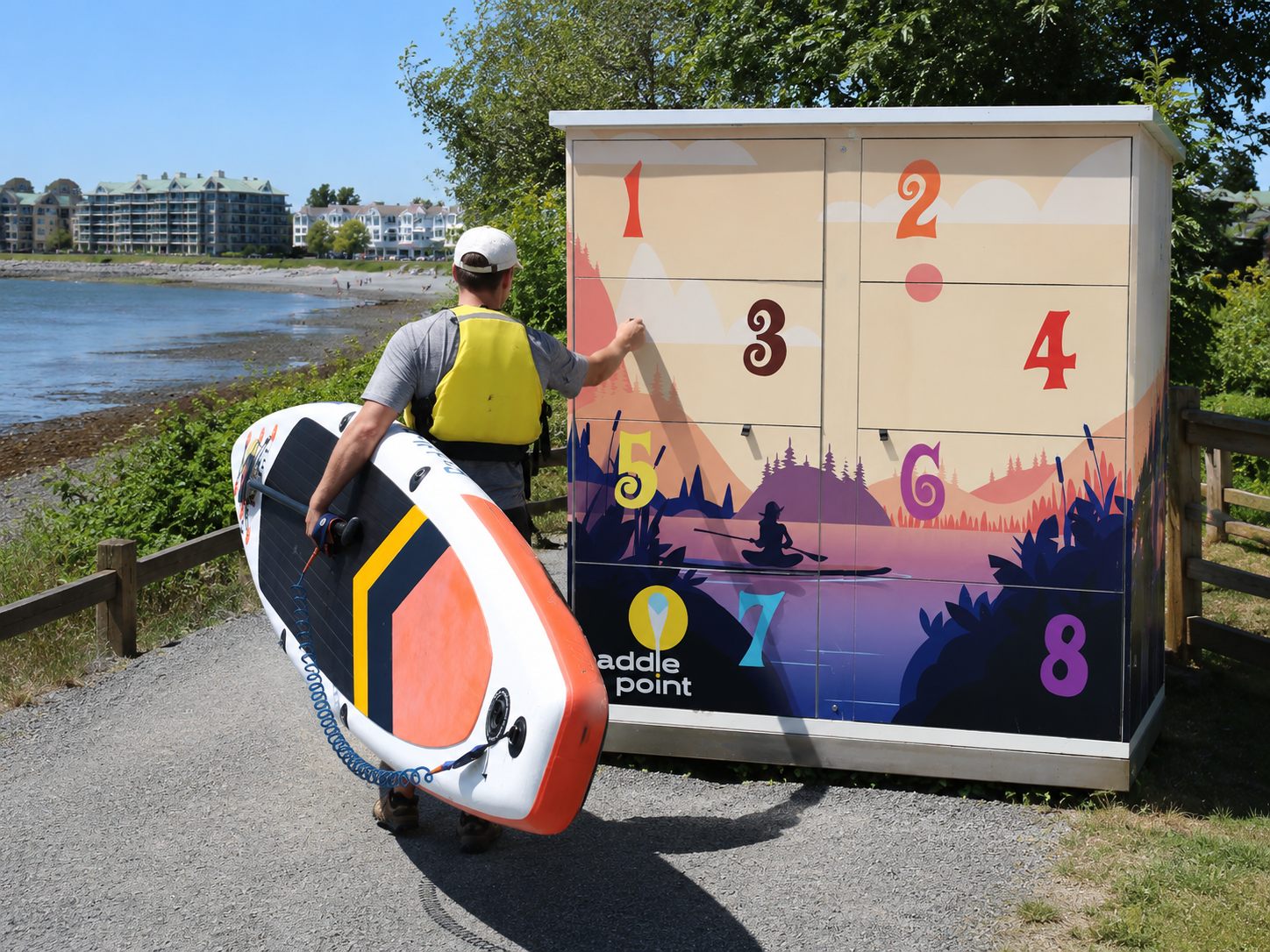
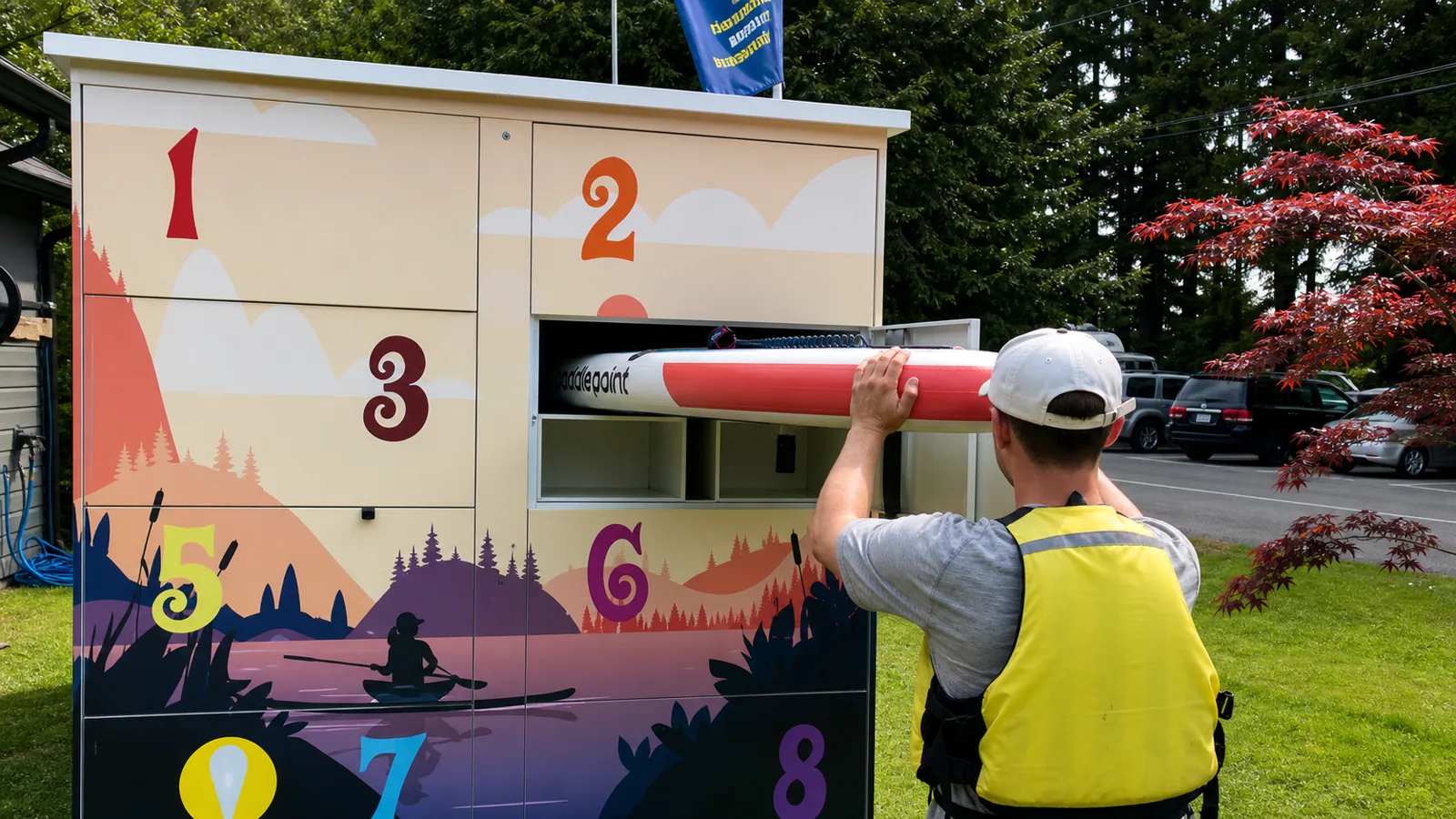
Each board and kayak has a tag with its number. Your booking confirmation tells you which number is yours. Use only the assigned door, locker and equipment shown in your booking.
Need assistance?
Need accessibility support? Contact PaddlePoint before arriving so we can confirm what is available at the station.

Gear up: PFD, transport & paddle technique
Take 10 minutes with your gear before you launch. It makes the whole experience safer and more enjoyable.
How to wear your PFD
1. Unzip fully and slip over your head.
2. Clip the front buckle. It should click firmly.
3. Tighten the side straps until snug but not restrictive. You should be able to breathe fully.
4. Test: try to pull the PFD up over your ears. If it moves, tighten the straps more.
PaddlePoint requires paddlers to use the provided PFD/life jacket on the water.
How to transport your board to water
For SUPs: Carry under one arm, fins facing back. For longer distances, balance it on your head (fins up). Two people: carry at nose and tail, board flat.
For kayaks: Lift from the cockpit rim with one hand, hold the bow toggle with the other. Two people carry much easier at bow and stern together.
Dragging causes avoidable damage. If the carry feels difficult, stop and reset your grip.
How to paddle: SUP basics
1. Start on your knees until balanced.
2. Stand with feet hip-width apart, knees slightly bent.
3. Hold the paddle with one hand on the T-grip, one on the shaft.
4. Reach forward, plant the blade fully in water, pull back to your feet.
5. Alternate sides every 3 to 4 strokes to go straight.
How to paddle: Kayak basics
1. Sit upright, feet resting on footpegs.
2. Hold paddle shoulder-width apart, knuckles aligned with blade edge.
3. Rotate your torso, not just your arms, for each stroke.
4. Reach forward, submerge blade, pull back to hip, exit cleanly.
5. For turning: paddle backward on the side you want to turn toward.
Before you launch: quick check
- PFD fitted and buckled
- Assigned gear matches your booking
- Paddle length adjusted if adjustable
- Phone secured in your own waterproof case or safe place
- Told someone your plan if paddling solo
- Conditions feel within your ability
- Water bottle and snacks ready
- Sun protection applied

On the water: safety & enjoying your session
Paddling is safe and fun when you stay aware. Here is what to keep in mind.
Keep track of time
Watch your booking timer and head back early. If Need more time is shown, PaddlePoint checks locker availability before confirming an extension.
Come back about 15 minutes before your end time so you have time to reload gear, close the assigned door, tap Returned and closed, then End Session. Late return can create overdue review and extra charges.
Watch the wind
Offshore winds push you away from shore. If you feel yourself drifting out, paddle back immediately at a 45 degree angle to the wind, not directly into it.
If wind is present, paddle out against it first. Coming back with the wind behind you is safer and less tiring.
If you fall in
Do not panic. Hold your paddle, stay with your board. It floats and is your best rescue device. On a SUP, remount from the side. In a kayak, hold the cockpit rim and kick yourself up.
Around other watercraft
Stay clear of motorboat channels, ferries and fishing boats. On rivers, stay river-right (your right when facing downstream). Yield to larger, less manoeuvrable vessels.
Respect wildlife
Keep 100m from seals, sea lions and bird nesting sites. Never chase wildlife. No feeding. Move slowly and quietly near animals. They are the best part of the experience.
Emergency
For life-threatening emergencies: call 911 first, then alert PaddlePoint support from your booking if you can do so safely. Stay with your board.

Return your gear and end your session
Give yourself enough time to return gear, close the assigned door and end your session before your booking ends.
Rinse your gear
If a rinse area is provided, rinse visible sand, salt or debris from the gear before stowing it. This helps prevent the spread of aquatic invasive species between BC waterways.
Clean before return
Wipe down the paddle and board with cleaning tools if provided. Remove any visible debris, seaweed or mud. Check the fin box for any plant material and remove it. Leave no trace on the gear.
Stow correctly
Return each item to the assigned locker area shown in your booking. Do not place gear in a neighbouring locker area.
Missing paddle, PFD or assigned item may create a replacement charge. Check before closing.
Lock up and check out
Spotted damage?
Please use Report Issue in the Paddler App when you check out. It helps us keep gear in top shape for everyone.
Need help at the station?
Read the guide first, then use support if access, gear, return or safety feels blocked.